HDR & Advanced Image Settings
HDR / SDR Image Switching
For photography posts containing HDR gain-map images, Linen supports live switching between HDR and SDR assets without reloading the page.
Live Demo
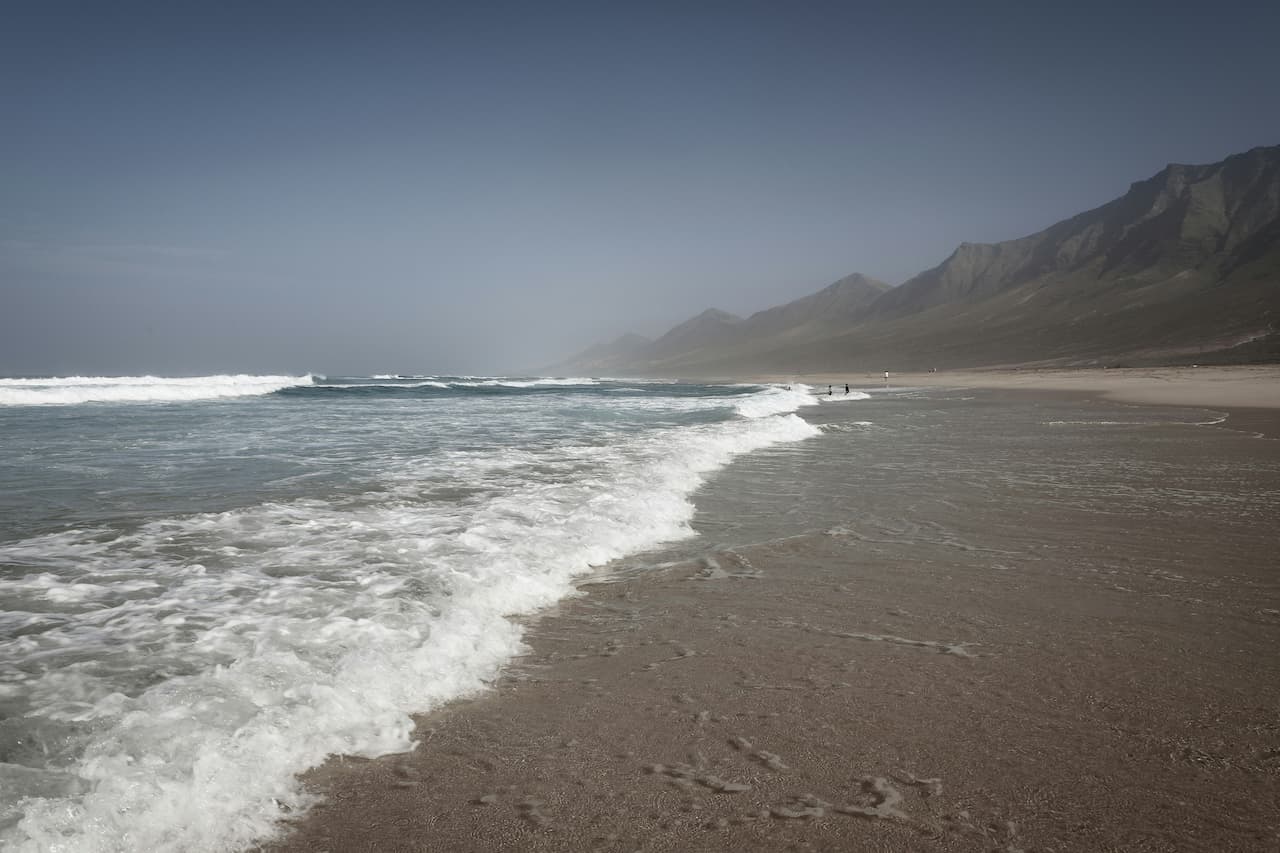
This page is configured with hdrSwitch: true and hdrAssetsPrefix: hdr-demo/hdr. On an HDR-capable display and browser, click the HDR switch in the top navigation bar to toggle the sample photo below between HDR and SDR:
 HDR / SDR Switch Demo (Photo copyright
 lynan)
1. Enabling HDR Switching
Add hdrSwitch and hdrAssetsPrefix to your post’s Front Matter:
1 |
|
2. Path Naming Convention
hdrAssetsPrefixmust contain/hdr(using a relative segment such ashdr-demo/hdrworks seamlessly for both root and subpath deployments).- Linen automatically derives the SDR prefix by replacing
/hdrwith/sdr(e.g.hdr-demo/sdr). - Reference
/sdr/URLs by default in your Markdown. When HDR is enabled, Linen swaps the SDR prefix to the HDR prefix across rendered<img>elements, lazyloaddata-contentpayloads, and PhotoSwipe lightbox links.
3. Detection & Interaction
- Linen checks both
matchMedia('(dynamic-range: high)')andCSS.supports('dynamic-range-limit: no-limit')to confirm actual HDR image rendering support. - On capable devices with viewport width ≥
500px, HDR mode activates automatically on load. Readers can toggle HDR/SDR manually at any time via the header switch button. - When viewing image EXIF inside PhotoSwipe, active HDR photos also display an
HDRbadge.
Inline Markdown Image Directives
When lazyload.enable: true is enabled in _config.linen.yml, you can embed control directives directly in an image’s alt text (directives are stripped automatically from rendered captions):
| Directive | Behavior | Example |
|---|---|---|
no-lazy / $no-lazy |
Skip lazy-loading wrapper for this image |  |
no-link / $no-link |
Disable PhotoSwipe lightbox link on click |  |
$aspect-ratio=W/H=aspect-ratio |
Specify placeholder aspect ratio to prevent layout shift |  |
$placeholder=value=placeholder |
Set a per-image placeholder (URL or data:image/...) |
 |
When writing raw HTML <img> tags, you can also use HTML attributes directly:
1 | <img |
no-lazyandno-linkwork directly as boolean HTML attributes on<img>.pswp-srcspecifies a higher-resolution original image to load inside PhotoSwipe.
Video, <iframe>, and Live Photos
With lazyload.enable: true, <video> and <iframe> tags are lazily loaded too (also supporting no-lazy and style="aspect-ratio: ...").
In addition, <iframe> embeds matching /static/live-photo/ (with picUrl / photoSrc and videoUrl / videoSrc query parameters, plus optional muted, loop, and volume) integrate automatically with PhotoSwipe when photoswipe: true is enabled, offering a LIVE playback trigger directly inside the lightbox.
Image Metadata Store (assets-db/imgs/*.json)
For photo-heavy blogs, instead of writing dimensions, placeholders, or EXIF strings inline in Markdown, place one or more .json files (each containing an array of image objects) under assets-db/imgs/ in your site root.
During build, Linen matches images by URL (pathname + search + hash, ignoring protocol and host) for both body images and post covers, injecting aspect ratios, placeholders, localized captions, and EXIF metadata automatically.
Example JSON
1 | [ |
Field Reference
| Field | Description |
|---|---|
url |
Image URL matched against post src and cover values. |
width / height |
Pixel dimensions used for placeholder aspect ratios and PhotoSwipe sizing. |
originalUrl |
High-resolution original URL for PhotoSwipe; if another entry matches originalUrl, its width/height are used for the lightbox. |
placeholder |
Placeholder image URL, Base64 data:image/..., or BlurHash string prefixed with blurhash:. |
alt / alt<lang> |
Caption displayed beneath the image (prefers locale-suffixed fields like alten or altzh-CN, falling back to alt). |
caption / caption_<lang> |
Caption displayed inside the PhotoSwipe lightbox (e.g., caption_en, caption_zh-CN). |
exif |
Eight brace-delimited EXIF slots in fixed order: {camera}{iso}{focusLength}{aperture}{shutterSpeed}{ev}{lens}{isHDR} (leave empty slots as {}). |
location |
Map link URL displayed alongside EXIF in the lightbox. |
locationText / locationText_<lang> |
Display label for the location link (supports locale suffixes like locationText_en). |
noLink |
Set to true to disable PhotoSwipe lightbox linking for this image. |
1 | --- |